
Fix Cursor and VSCode Unable to Use Third-Party Endpoints
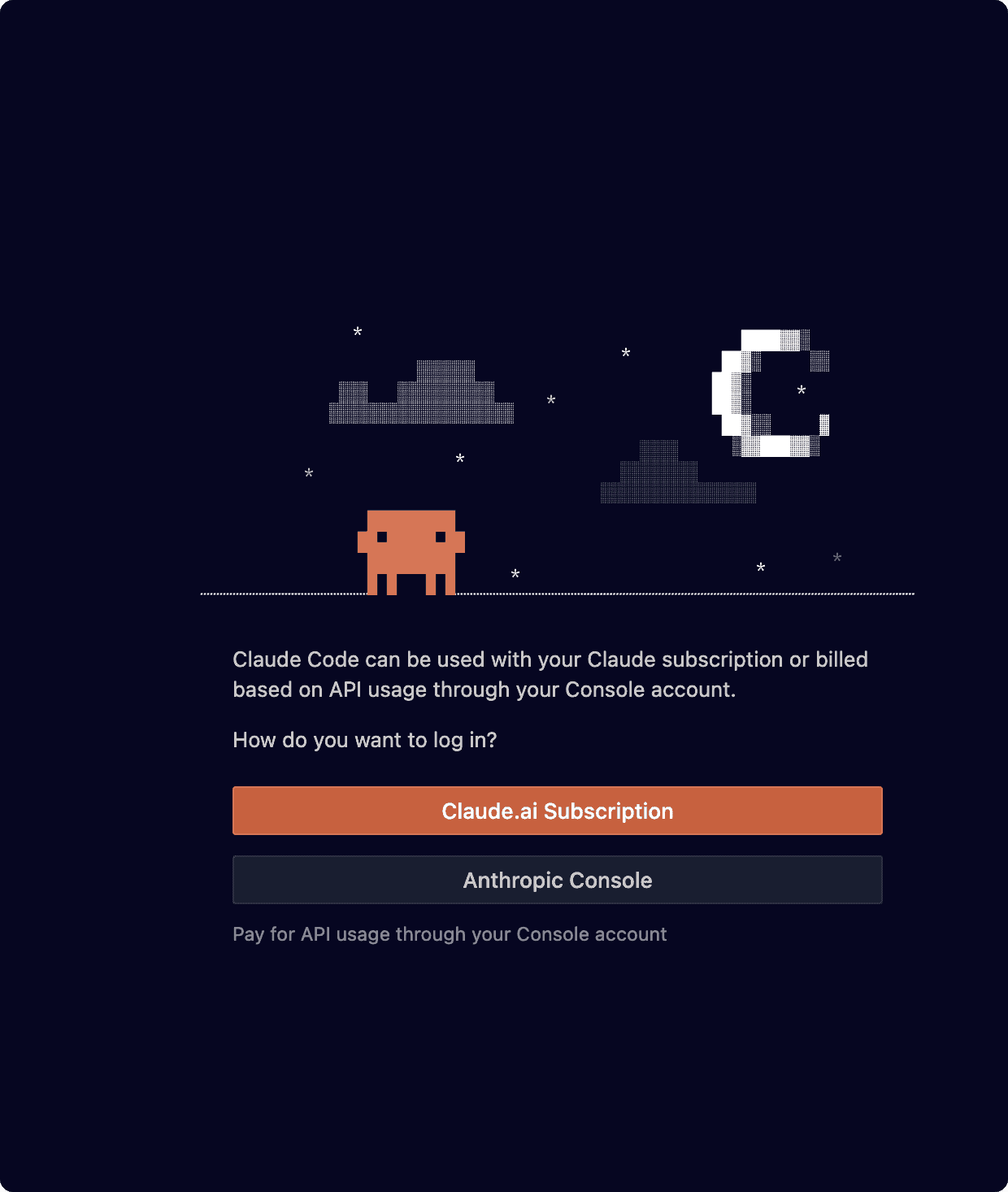
- Claude Code Install - Complete guide for Claude Code CLI installation and environment variable configuration
- Create
~/.claude/config.json(if it already exists, just edit it) - Add the following content: (XXX can remain unchanged or you can change it to your service name or your key)
json
{
    "primaryApiKey":"xxx"
}
- Restart VSCode and Cursor
Below are alternative testing solutions. If the above step works, you can skip this.
Use Claude Code CLI (Recommended)
Claude Code CLI is the most flexible solution with full support for custom API endpoints.
Step 1: Install Claude Code CLI
bash
npm install -g @anthropic-ai/claude-code
claude --version
Step 2: Configure Environment Variables
macOS / Linux:
Edit ~/.zshrc or ~/.bashrc:
bash
# Add the following configuration
export ANTHROPIC_AUTH_TOKEN="your-auth-token"
export ANTHROPIC_BASE_URL="third-party-endpoint-url"
Reload configuration:
bash
source ~/.zshrc # or source ~/.bashrc
Windows:
Using PowerShell (Administrator):
powershell
[System.Environment]::SetEnvironmentVariable('ANTHROPIC_AUTH_TOKEN', 'your-auth-token', 'User')
[System.Environment]::SetEnvironmentVariable('ANTHROPIC_BASE_URL', 'third-party-endpoint-url', 'User')
Environment Variables Explanation
ANTHROPIC_AUTH_TOKEN: Your API authentication token (format:cr_...)ANTHROPIC_BASE_URL: Complete URL of the third-party endpoint
Step 3: Verify Configuration
bash
cd ~/your-project
claude hello
If configured correctly, Claude should respond normally.
Logging and Debugging
Enable verbose logging for troubleshooting:
bash
# Enable Claude Code CLI verbose logging
export DEBUG=claude:*
claude hello

# Or use --verbose flag
claude --verbose hello
Related Resources
- Claude Code Install - Complete CLI installation guide
- Opcode Guide - Desktop client usage
- Claude Code Complete Guide - Comprehensive feature introduction
- Setting Environment Variables in Windows - Windows configuration details
Summary
The key to solving VSCode and Cursor's inability to use third-party endpoints:
- ✅ Prioritize Claude Code CLI , which provides the most complete custom endpoint support
- ✅ Configure environment variables correctly , including
ANTHROPIC_AUTH_TOKENandANTHROPIC_BASE_URL
If you encounter problems during configuration, feel free to check our other tutorials or contact technical support.
Need Help? Join Claude Code Carpool Community for professional technical support!