Gemini 3 Released: 7 Official Ways to Use It (A Complete Guide)
Original article: https://mp.weixin.qq.com/s/u1UNXCmS1x2EX9CTWN98qQ
Original by AI Information Gap 2025-11-20 06:28
Which AI model has both OpenAI CEO Sam Altman and Elon Musk giving likes?
That's right, it's Gemini 3.
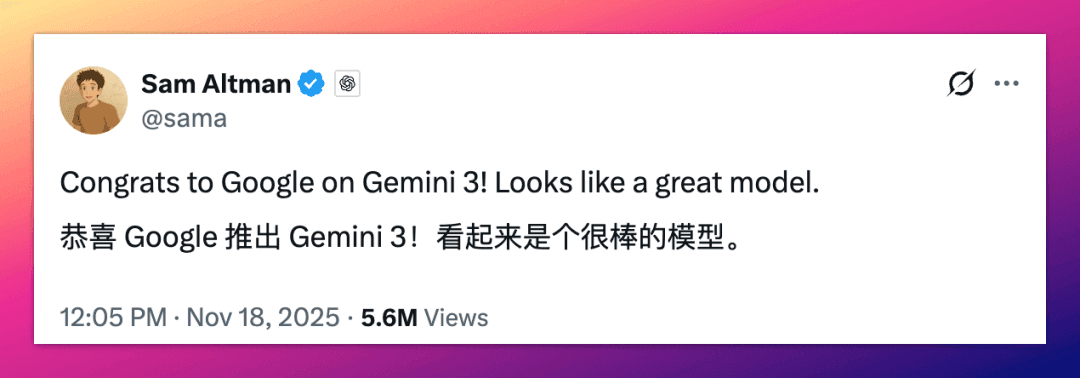
Yesterday Google officially released Gemini 3, and the comments section exploded.
Many people were asking: How do I use it? Where can I use it? Is it free?
I've compiled 7 official channels overnight (I have to say, Google's product lineup is really chaotic).
This tutorial will help you master Gemini 3 in 5 minutes.
01 | Google AI Studio: The Most Recommended Free Channel
Recommendation: ⭐⭐⭐⭐⭐
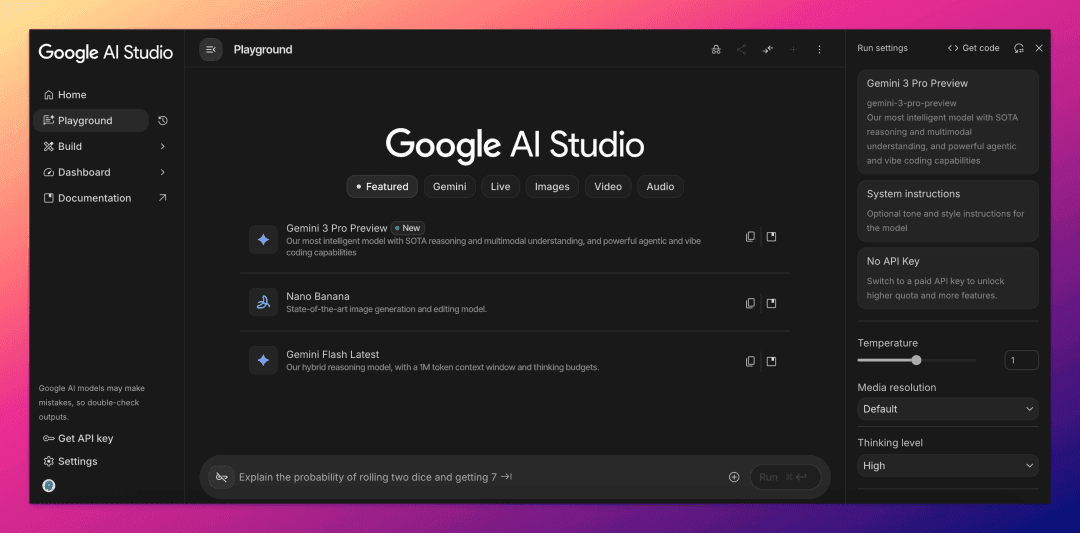
If I could only choose one, I'd recommend AI Studio without hesitation.
Without exaggeration, I've been recommending this platform for over a year.
Why?
It's not just free with generous quotas.
The Gemini 3 Pro in AI Studio is the full version, with 1 million tokens context window maxed out, no compromises.
It's also highly customizable.
You can set the model's thinking level, media_resolution, and temperature yourself.
Other features are comprehensive too.
Not only can it chat, but it can also draw, voice chat, video chat, and generate videos—all without issues.
The recently updated Build mode is a powerful tool for Vibe Coding.
It supports parameter debugging, multimodal input, and generating shareable AI applications.
The only thing to note is that Google has the right by default to use your AI Studio conversation data to train models.
Remember not to send sensitive information.
02 | Gemini App: Web and Mobile App
Recommendation: ⭐⭐⭐⭐
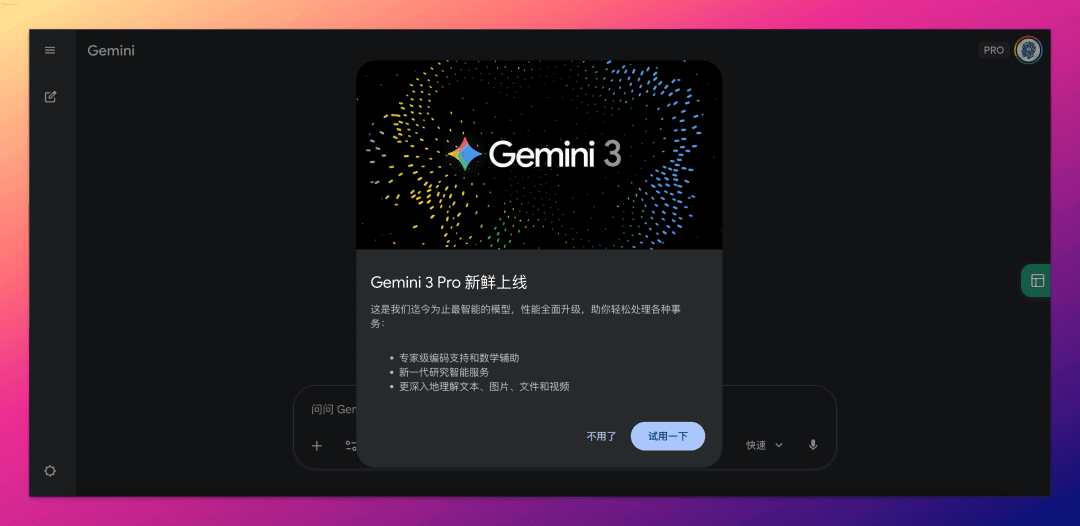
This is the easiest channel for regular users to get started with.
The web version has been fully upgraded to Gemini 3.
The mobile version is still rolling out.
In the Gemini mobile app, testing shows some accounts already have Gemini 3 access, while others (even paid ones) are still on 2.5 Pro.
Free to use, but with strict quota limits, about 5 times/day (much lower than AI Studio above).
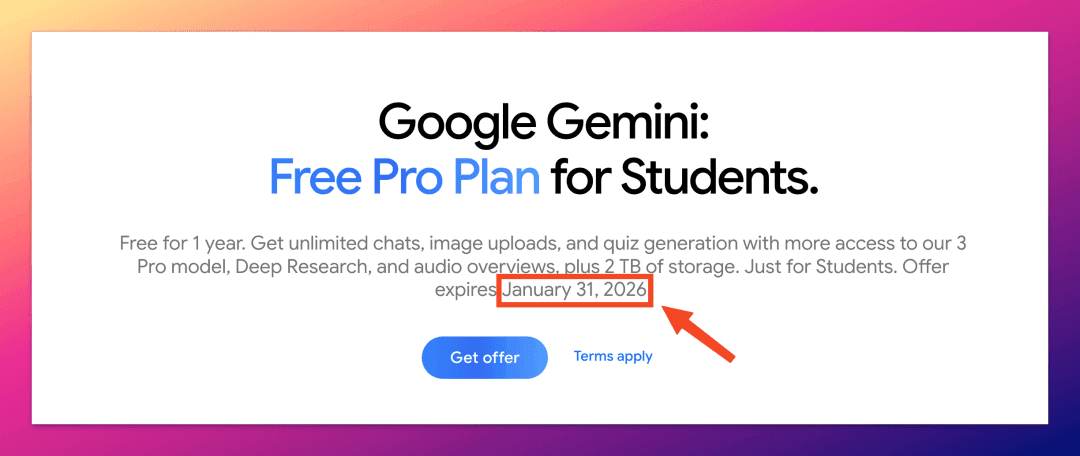
I recommend Google's student discount more—get a year of Gemini AI Pro membership for free. Google just extended this offer's deadline yesterday.
See my earlier scoop: Google One AI membership 15 months free, worth $300, the best deal in AI!
03 | Google Search AI Mode: The AI Form of Search
Recommendation: ⭐⭐⭐
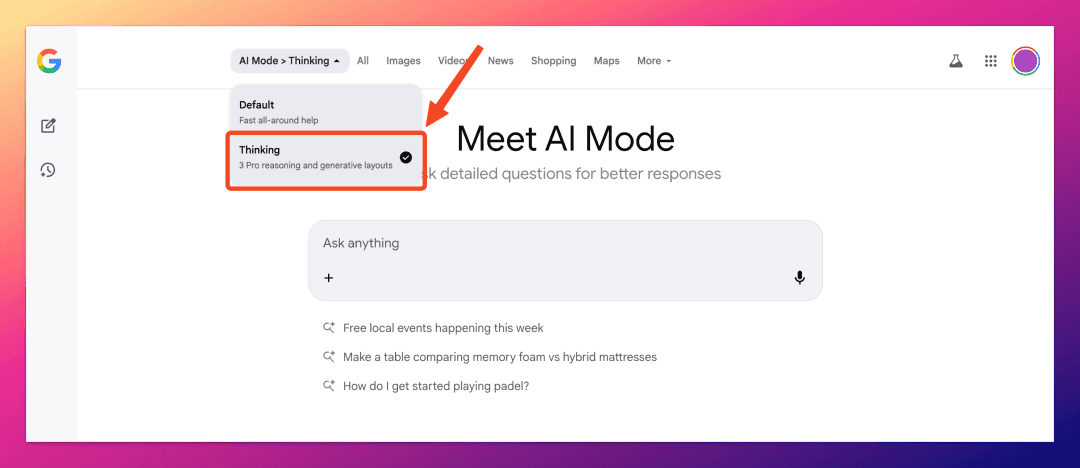
This is the first time Google integrated a new model into search on launch day.
After all, this is Gemini 3.
The feature is good, but I can only give it three stars.
Because it's currently only available to some Gemini AI Pro and Ultra subscribers.
How to verify if you have access?
Open the Google Search homepage and select AI Mode on the far right of the search box.
In the top left corner of AI Mode, if you can switch models (like in my screenshot above), then congratulations, you can now enjoy Gemini 3 in AI Mode.
04 | Google Antigravity: Another Cursor?
Recommendation: ⭐⭐⭐⭐⭐ (tentatively)
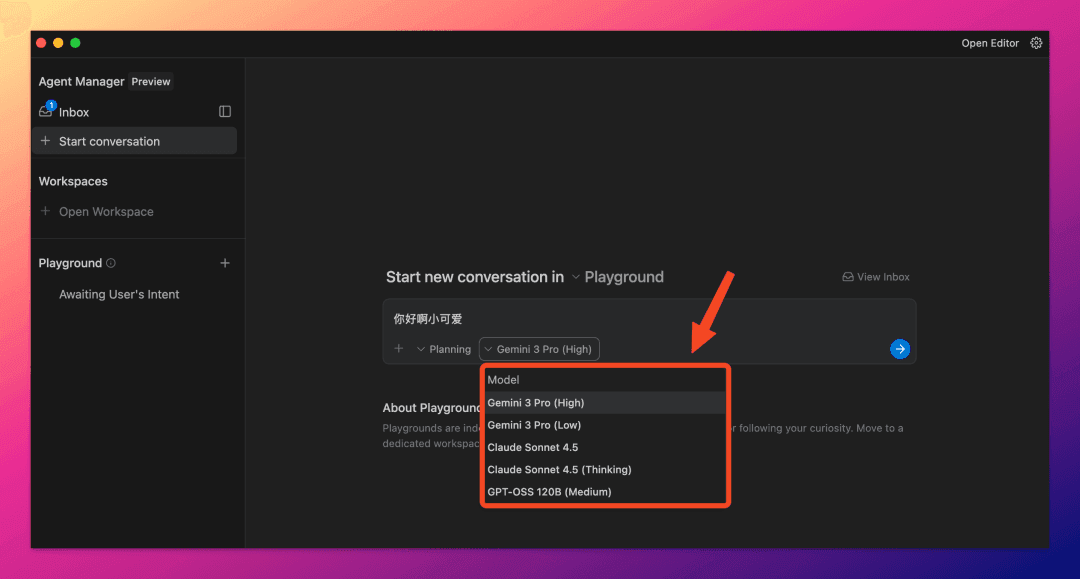
This might be yesterday's most underrated release.
It was so popular that at one point you couldn't even log in, and once in, some were just seeing endless "loading."
Later, Google urgently released an updated version.
So, what is Antigravity?
You can simply understand it as: Google's version of Cursor.
Essentially, it's an AI IDE that Google has upgraded into a multi-agent collaborative development environment.
It supports Gemini 3, as well as Claude Sonnet 4.5 and OpenAI's open-source model.
Importantly, it's free for a limited time, but with rate limits.
05 | Gemini CLI: A Blessing for Terminal Users
Recommendation: ⭐⭐⭐
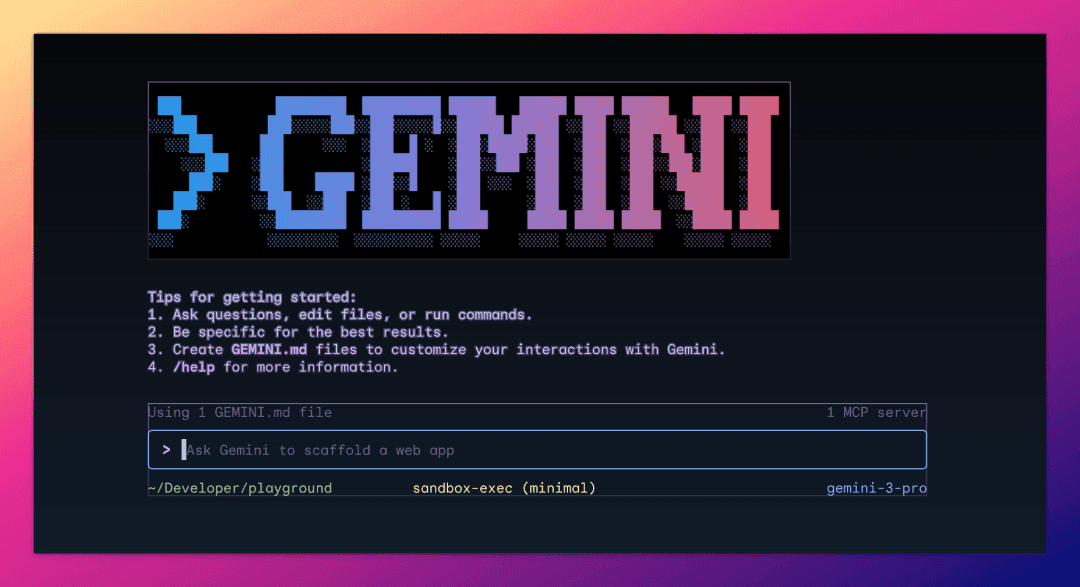
I'm giving Gemini CLI three stars because its use case is limited.
This is an exclusive tool for developers.
That means you need some command-line experience.
Gemini CLI can do many things: chat, read folders, write code, execute Shell commands, call Google Search, and connect to MCP servers.
Installation is simple, requiring Node.js 18 or above:
npm install -g @google/gemini-cli
Then just run the gemini command.
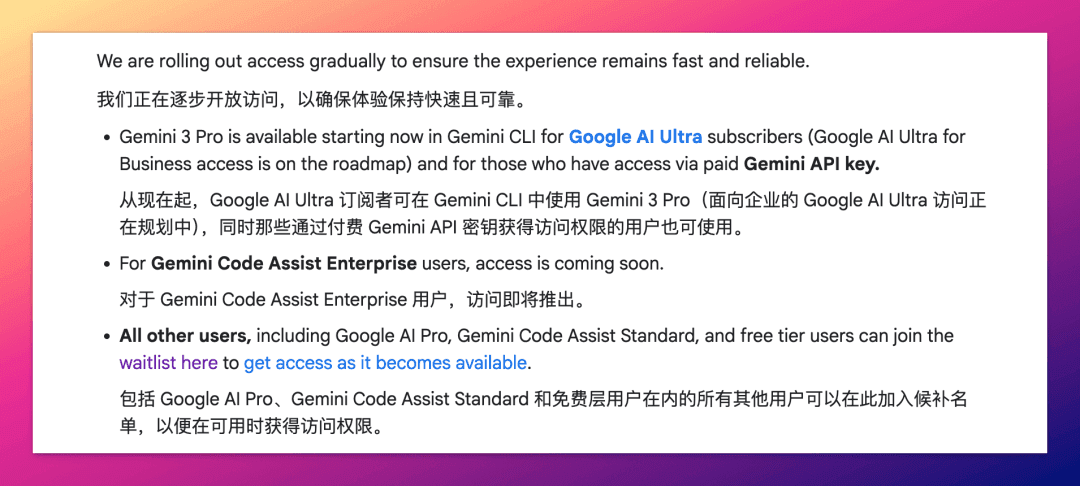
Gemini 3 access is prioritized for Ultra subscribers.
Pro users and free users can apply for access here:
https://docs.google.com/forms/d/e/1FAIpQLScQBMmnXxIYDnZhPtTP3xr5IwHNzKW4nLomuQ1tGOO-UldMdQ/viewform
06 | AI Studio API: For Individual Developers
Recommendation: ⭐⭐
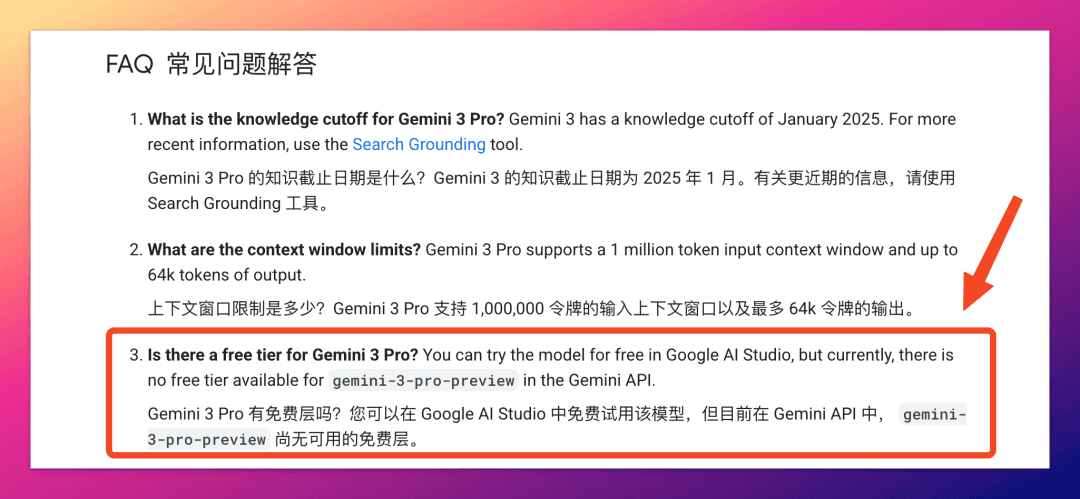
Google has explicitly stated that this time they're not opening Gemini 3 API access to free-tier users.
So, you need to add a payment method and enable a Paid Plan.
Generating an API Key in AI Studio is the most direct way.
Gemini 3 API pricing is tiered:
Under 200K tokens: $2/million input tokens, $12/million output tokens
Over 200K tokens: $4/million input tokens, $18/million output tokens
Slightly more expensive than GPT-5.1, but slightly cheaper than Claude Sonnet 4.5.
07 | Vertex AI: Enterprise-Grade Solutions
Recommendation: ⭐⭐
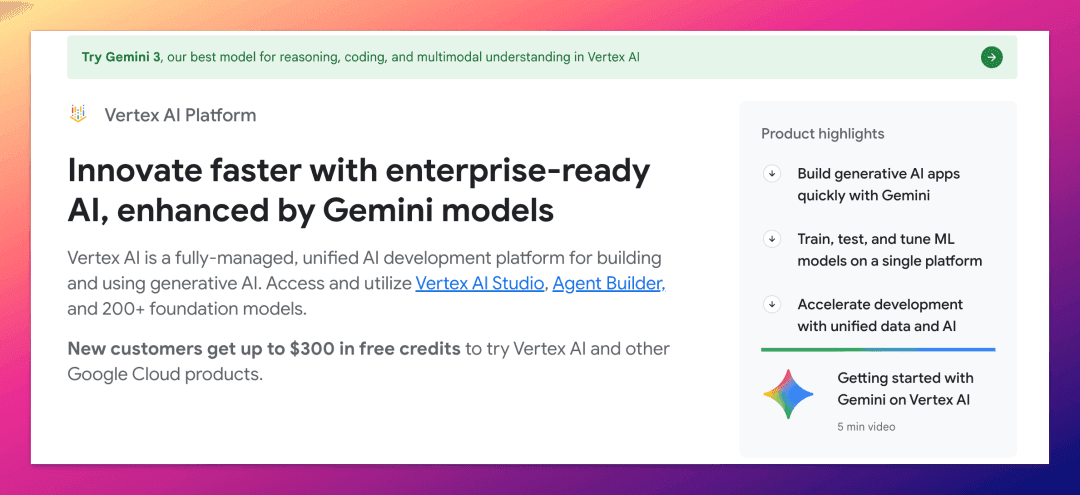
This is Google Cloud's enterprise-grade AI platform.
Suitable for enterprise users.
Or individual users who have registered for Google Cloud (GCP) and are still within the $300 free credit.
Vertex AI is more powerful than AI Studio—it can be deployed in the cloud or on-premises, has a complete MLOps toolchain, and data is enterprise-grade isolated.
It's just slightly more complex to operate, requiring you to create a Google Cloud account, create a project, and enable the Vertex AI API.
For new users, generous Google gives 3 months and $300 in trial credits—perfect for trying it free.
Conclusion
In 24 hours, I tried all 7 of these channels.
Overall impression: Google is really going all in this time.
Although the product lineup is somewhat chaotic, the overall ecosystem is quite comprehensive.
They've provided Gemini 3 entry points for almost every scenario.
From browser to terminal, from individual to enterprise, there's one that's right for you.